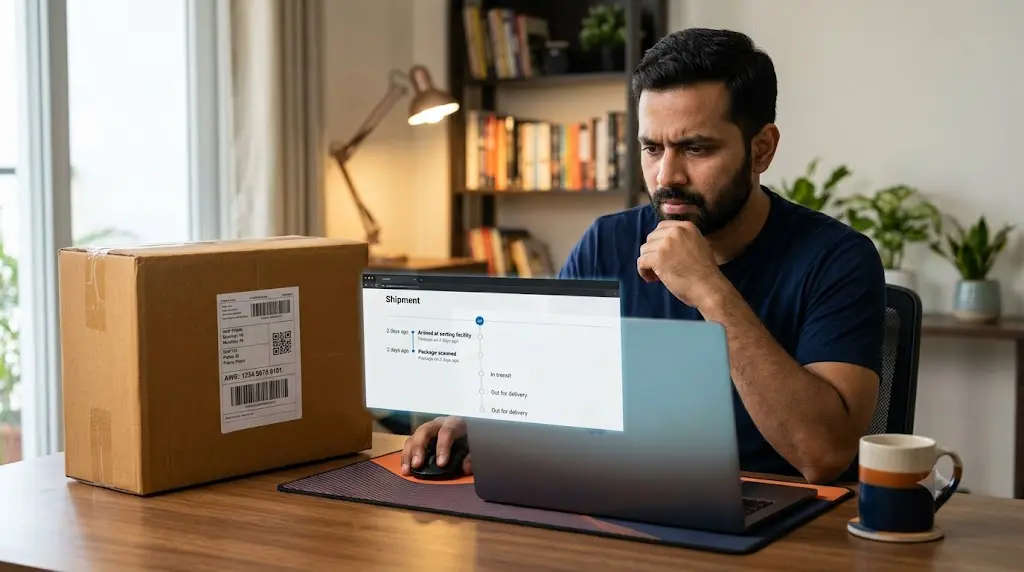
You check your Shree Maruti tracking number in the morning. The status says the parcel is in transit. You check again in the evening, but nothing has changed. Even the location and last update date remain the same.
Before assuming that your shipment is lost, it helps to understand what the tracking information actually tells you.
Shree Maruti Courier tracking may remain unchanged when a shipment is travelling between facilities, waiting for its next scan, or undergoing processing. In some cases, the tracking record may not yet reflect the parcel’s latest physical movement.
The best way to investigate this problem is to identify which stage of the shipment has stopped showing new information.
First, Identify Where Your Tracking History Has Stopped
Not every tracking delay has the same explanation. A shipment that has never received its first pickup update needs a different investigation from one that has already travelled through several courier facilities.
Start with the last event displayed on your tracking page.
Situation A: You Have a Tracking Number, but No Shipment History
Suppose the sender gives you an AWB number, but entering it on the tracking page does not show any shipment events.
This can happen when the tracking reference has been generated before the shipment is physically accepted by the courier. It may also indicate an incorrect number or a delay in making the booking information available.
The important question is whether the parcel has actually been handed over to Shree Maruti.
Ask the sender to confirm the physical handover rather than simply confirming that an AWB number has been generated.
Situation B: The Parcel Was Picked Up, but Nothing Has Changed
If your tracking history already shows a pickup event, the courier has recorded an initial shipment movement.
The next update may depend on the parcel reaching another processing facility and receiving another scan.
A gap between two recorded events does not necessarily indicate that the shipment has stopped moving.
Check the date of the pickup event and ask the sender whether the parcel was booked through the intended service.
Situation C: The Same Transit Location Appears Repeatedly
This is a slightly different situation.
Your parcel may have entered the courier network, but the tracking page continues to show the same facility or transit information.
Possible explanations include:
- The parcel is waiting for sorting or onward transportation.
- A subsequent facility scan has not appeared.
- The shipment is awaiting operational processing.
- The tracking information has not synchronized with the displayed record.
If the same event remains unchanged beyond the expected delivery period, request a shipment investigation.
Situation D: The Parcel Has Reached the Destination City
A shipment reaching its destination city does not automatically mean it is ready for delivery.
It may still need to pass through local sorting, branch allocation or other processing before the final delivery attempt.
If the destination location has not changed for an extended period, ask whether the parcel has reached the delivery branch or is still awaiting processing.
Why Tracking Updates Can Fall Behind Actual Parcel Movement
Courier tracking is an event-based system. It displays information when shipment activities are recorded and made available to the tracking platform.
It is not the same as continuously watching a parcel’s geographical location.
Consider this example:
A customer sends a parcel from Ahmedabad to Patna. The shipment receives its initial booking and pickup records. It then travels through the courier network.
During transportation, the tracking page may continue displaying the last recorded facility. The next update becomes visible only after another shipment event is registered.
This explains why the tracking page and the parcel’s physical movement may not always appear synchronized.
There is another important distinction: a missing scan and a delayed parcel are not necessarily the same problem.
A parcel can have an incomplete tracking history without being lost. On the other hand, a parcel that has exceeded its expected delivery period deserves a proper investigation even if the tracking page still shows In Transit.
A Practical Way to Investigate Your Shipment
Instead of repeatedly refreshing the tracking page, collect the information that can actually help identify the issue.
1. Compare the booking date with the latest scan date.
If both dates are close, the shipment may simply be awaiting its next recorded event. If there is a substantial gap, the sender or courier team should verify its movement.
2. Check whether the AWB belongs to the correct courier.
Sometimes online sellers share an order reference or another shipment number instead of the actual courier AWB.
Ask the sender to verify the complete tracking reference against the booking receipt.
3. Look for a change in shipment location.
A new location generally provides more useful information than repeatedly seeing the same status wording.
If the location has not changed, ask customer support whether the parcel has moved beyond the last recorded facility.
4. Check the delivery estimate provided by the sender.
Do not assume that every Shree Maruti shipment follows the same delivery schedule. The route, selected service and booking details can affect the expected arrival date.
5. Stop relying on repeated refreshes if the shipment is overdue.
Once the expected delivery period has passed, contacting the courier company is more useful than continuously checking an unchanged tracking page.
What Information Should You Ask Customer Support to Verify?
When contacting Shree Maruti, avoid sending only a message such as “My tracking is not working.”
Explain exactly what is missing.
For example, you can ask:
- Has the shipment been physically accepted?
- What is the latest recorded shipment event?
- Has the parcel reached the destination facility?
- Is the shipment awaiting sorting or onward transportation?
- Is there any operational exception affecting delivery?
- Does the courier require any information from the sender or recipient?
These questions help distinguish between a tracking-display problem and an actual shipment delay.
Contact Shree Maruti About an Unchanged Tracking Status
The official Shree Maruti website publishes the following customer contact information:
| Contact method | Details |
|---|---|
| Customer support phone | +91 9712 666 666 |
| Customer care email | customercare@shreemaruticourier.com |
| General email | info@shreemaruti.com |
| Official website | https://shreemaruti.com/ |
| Published phone hours | Monday–Friday, 9:30 AM–6:30 PM |
When contacting the company, include your AWB number and the date of the last tracking event. If you are the recipient, the sender may also need to raise the enquiry using the original booking details.
A Message You Can Send to Shree Maruti
If you are unsure how to explain the problem, use this short enquiry:
Subject: Request for Shipment Status Update – AWB [Your Number]
Hello Shree Maruti Support Team,
I am contacting you regarding my shipment with AWB number [Your AWB Number]. The tracking information has not changed since [Last Update Date], and the latest available status is [Current Status].
Could you please check the latest shipment record and confirm whether the parcel is moving, awaiting processing or facing any operational issue?
Please let me know if any additional information is required.
Thank you.
One Important Warning Before Contacting Courier Support
Make sure you are using the genuine Shree Maruti website and verified contact channels.
The company’s official website specifically warns customers about an unrelated fraudulent website operating under the name Shree Maruti Logistics. It also states that the company does not request delivery or pickup charges through a payment gateway and advises customers not to share OTPs or payment information.
Do not pay unexpected delivery charges through an unfamiliar link just because your parcel appears delayed.
Frequently Asked Questions
Why is my Shree Maruti Courier tracking showing an old date?
The old date represents the latest tracking event available on the page. The next shipment scan may not have been recorded or displayed yet. Verify the physical handover and latest shipment information with the courier if the delay continues.
My seller says the parcel is dispatched, but Shree Maruti shows no update. Why?
The seller may have generated the AWB before handing over the parcel. Ask for confirmation of the actual courier pickup or booking acceptance.
Can a parcel move without a new Shree Maruti tracking scan?
Yes. Tracking pages display recorded shipment events rather than continuous GPS movements. A parcel can be travelling between facilities while its previous scan remains visible.
What does it mean if my shipment is stuck at the destination hub?
It may be awaiting local sorting, processing or allocation for final delivery. Contact the courier to confirm whether the parcel has reached the delivery branch.
Should I contact the seller or Shree Maruti first?
If there is no first pickup event, contact the seller to verify physical handover. If the courier has already recorded shipment movement but the parcel is overdue, contact Shree Maruti for an investigation.
Can I complain if my Shree Maruti parcel has not received a new update?
Yes. You can contact the company’s customer support with your AWB number, booking information and last tracking event. Ask for a shipment investigation rather than only requesting a tracking-page refresh.
The Bottom Line
An unchanged tracking page does not tell the complete story of your Shree Maruti shipment. The most useful clue is the last event that was successfully recorded.
If there is no first scan, verify the handover with the sender. If the parcel is already in transit, check its last recorded location and expected delivery period. If it has become overdue, ask Shree Maruti to investigate the shipment.
This approach helps you move beyond repeatedly checking the same tracking status and get a clearer answer about where your parcel stands.
1 thought on “Why Is My Shree Maruti Courier Tracking Not Updating?”